One QR Code. Every Way Customers Reach Your Business.
Scan once and see your catalogue, chat on WhatsApp, visit your website and save your contact — all from a single business QR code that never needs reprinting.
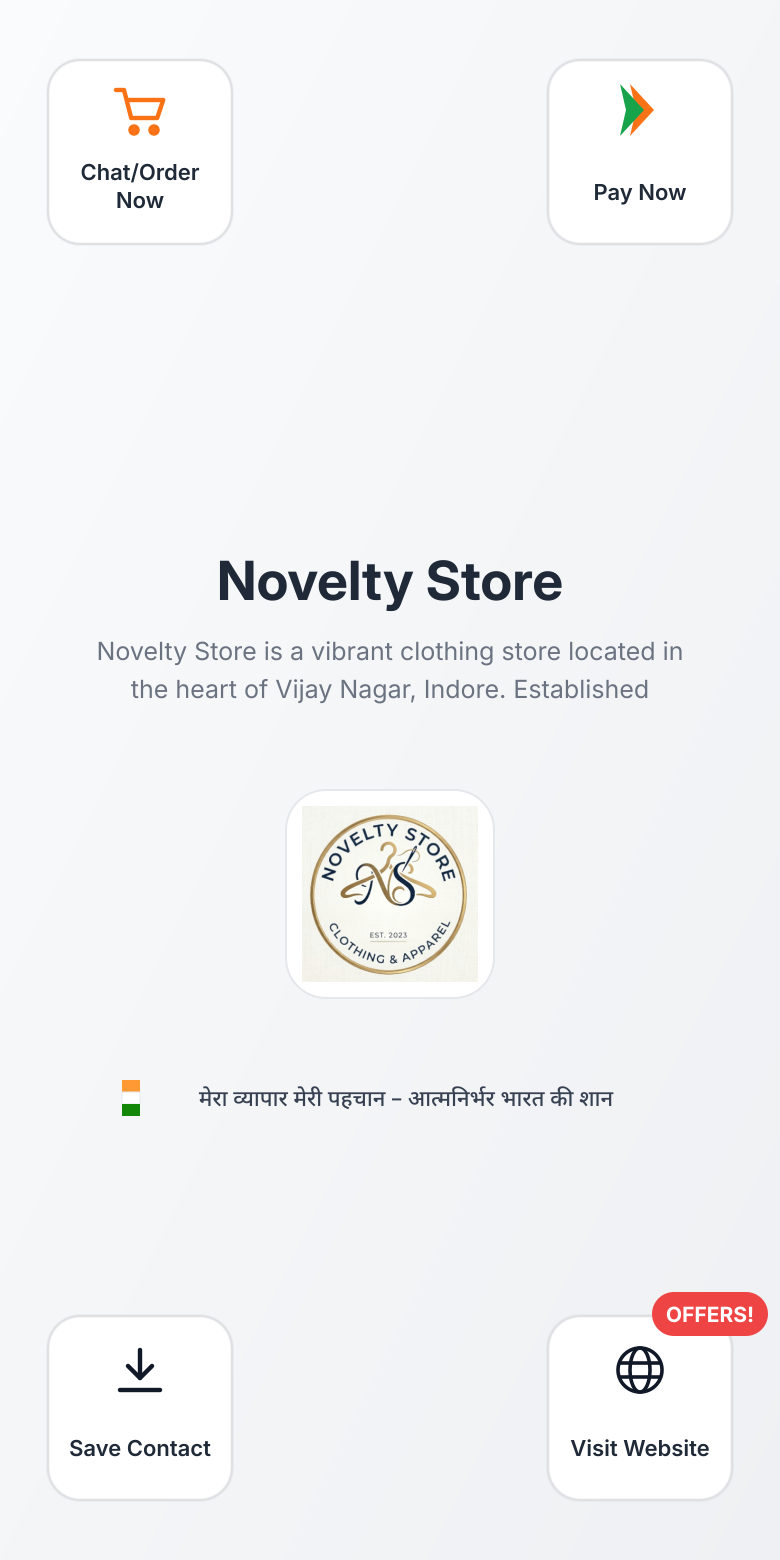
Works with any phone camera — no app to install
What is a Business QR?
A Business QR is a single scannable code that opens your live Vyaparify business page the moment a customer points a phone camera at it. Instead of a separate code for your menu, another for your contact card and a third for your website, one Business QR carries all of it — and the page behind it updates the moment you make a change.
Customers don't need to install anything. The camera app on almost every Android and iPhone already scans QR codes, so scanning opens your page straight in their browser.
If you sell a full range of products or services, pair your Business QR with a Digital Catalogue so the page customers land on shows everything you offer.
Whether you search for a qr code for business use generally, a shop qr code specifically for a retail counter, or a qr code for shop entrances, the underlying idea is the same: one code that stays accurate. Vyaparify works as a smart business qr code generator, so your business qr code generator output always points to a live, up-to-date page rather than a static image you'll need to reprint.
The problem with printed materials and scattered QR codes
Printed materials go stale the moment something changes. A new price, an updated menu item or a change in business hours means another trip to the printer — and until the new copies arrive, customers are looking at information that's already wrong.
Many small businesses also end up with more than one QR code on the counter: one linking to a menu PDF, another for a payment app, perhaps a third for a review link. Customers hesitate when they see several codes side by side and aren't sure which one does what.
Getting this right matters beyond the counter too — a consistent, always-current business page is part of how customers discover and choose a business in the first place.
One QR vs. juggling many
Without Vyaparify
- Reprint every time something changes — A new price, new hours or a new menu item means another trip to the printer.
- Separate codes for menu, contact and reviews — Customers see three or four codes on the counter and aren't sure which one to scan.
With Vyaparify
- One code, always current — Update your Vyaparify page any time — the QR code itself never changes.
- Everything from one scan — Catalogue, WhatsApp chat, contact card and website all open from the same code.
What one scan connects to
Everything below opens from the same scan — nothing extra to print, nothing extra to download.
- Digital catalogue or menu — Customers see your current products, services or menu the moment they scan.
- WhatsApp chat and enquiries — Scanning your WhatsApp QR code opens a chat directly, so customers can ask questions or place an order.
- Digital visiting card — Customers can save your digital visiting card — business number, address and hours — to their phone in one tap.
- Your business website — Anyone who wants more detail can go straight to your full business page or website.
- Current offers — Any live offer or promotion on your page shows up automatically — no separate flyer needed.
How Business QR works
- Set up your business page — Add your catalogue, contact details, hours and any current offers to your Vyaparify business page.
- Print your Business QR — Put it on your counter, packaging, visiting cards or vehicle — anywhere customers already look.
- Customers scan and act — Your page opens instantly in their phone browser, with catalogue, WhatsApp chat, contact card and website all one tap away.
Business QR and payments
Business QR is built for discovery and engagement — getting customers to your catalogue, your WhatsApp chat and your contact details from a single scan. Collecting payment is a related but separate job.
If you want customers to pay after they scan, pair your Business QR with Payment Links, so you can share a payment link on WhatsApp or add it to your business page.
Where businesses put their Business QR
A Business QR works wherever a customer already looks, and the right placement depends on the kind of business you run.
- Retail shops — on the counter, billing desk or packaging, so customers can browse your catalogue or save your contact while they wait. See how Vyaparify supports retail businesses.
- Restaurants and cafes — on table tents or at the entrance, so customers can view your menu and current offers without waiting for a printed copy. More on digital presence for restaurants and cafes.
- Healthcare and wellness practices — at the reception desk, so patients can save your contact details and check your services and hours. See digital presence for healthcare and wellness businesses.
- Professional services — on visiting cards, invoices or office signage, so clients can reach you on WhatsApp or view your services page. More on digital presence for professional service businesses.
Why businesses keep it visible everywhere
- Always current — Change your page any time — everything already printed with your Business QR keeps working.
- One code, not several — Customers see one recognisable code instead of guessing between a menu link, a payment app and a review link.
- No app required — Any phone camera opens your page directly — there's nothing for the customer to install.
- Works everywhere you already are — Counter, packaging, visiting cards, vehicles — the same code works across every physical touchpoint.
Frequently asked questions
Do customers need to install an app to scan my Business QR?
No. The Business QR opens your business page in any phone's browser using the built-in camera — there's nothing for the customer to download.
What happens when I change my catalogue, menu or business hours?
Update your Vyaparify business page any time. The QR code itself never changes, so anything you've already printed stays valid — that's what makes it a dynamic QR code rather than a static one.
Is a Business QR the same as a payment QR code?
No. Business QR is designed to connect customers to your catalogue, WhatsApp chat, contact details and website. To collect payments, pair it with Payment Links on your business page.
Where should I put my Business QR?
Anywhere customers already look — your shop counter, packaging, table tents, visiting cards, invoices or vehicle signage.
Is Business QR free to set up?
Business QR comes with your Vyaparify business page. Check current Vyaparify plans for exact pricing before you set up.
Ready to put one QR code to work?
Set up your Vyaparify business page and get a Business QR customers can scan from day one.